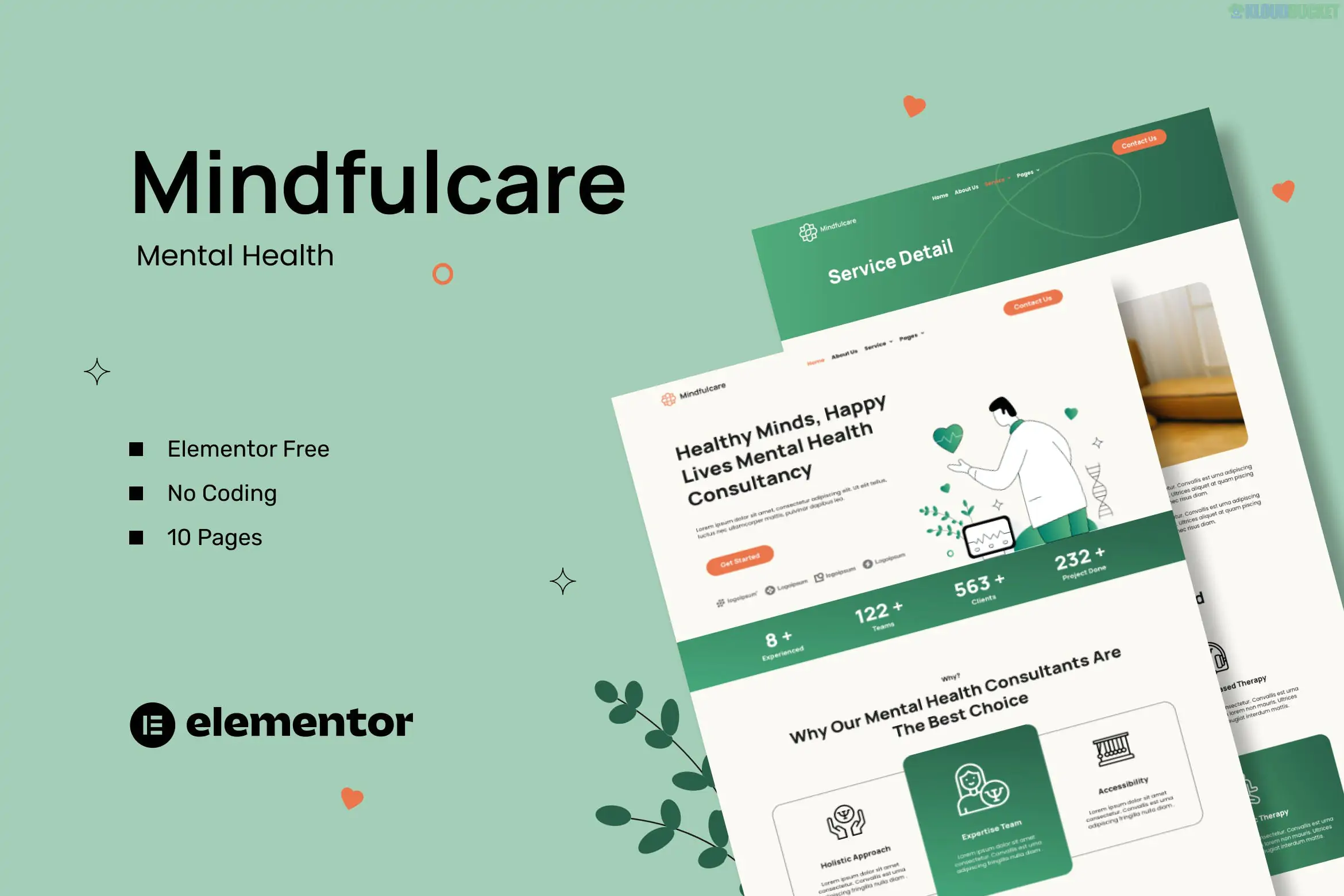
Mindfulcare is a modern and soothing Elementor Template Kit specifically designed for mental health consultants, therapists, and counseling centers. Developed by antstheme, it prioritizes a calming user experience with soft colors and a clean, professional layout that builds trust with potential clients.
Since it is a "Free Plugin" kit, you do not need Elementor Pro to achieve the professional design seen in the demo.1
Calming Aesthetic: Uses a gentle color palette and balanced white space, ideal for mental health and wellness branding.
No-Code Customization: Fully drag-and-drop using Elementor; no CSS or HTML knowledge is required.2
Mobile-First Design: Completely responsive, ensuring patients can browse and book from any device.
Fast Performance: Optimized for quick loading times, which is essential for user retention and SEO.
The kit provides a holistic set of pages to launch a professional consulting site:
Core Pages: Home, About Us, Services, and Service Detail.3
Clinic Info: Team (Consultant Profiles), Pricing, and FAQ.4
Engagement: Blog, Blog Detail, and a functional Contact Us page.5
Global Parts: Custom Header and Footer templates, plus a 404 Error page.
To make the templates look exactly like the demo, you must install these free plugins:
Elementor (Free): The core page builder.6
ElementsKit Lite: For advanced widgets and header/footer management.7
MetForm: For the appointment request and contact forms.8
Elementor Header & Footer Builder: Provides extra flexibility for site-wide elements.9
For the best results, use a clean WordPress installation with the Hello Elementor theme.10
Preparation: Install the Envato Elements plugin from the WordPress repository.11
Importing: Go to Elements > Installed Kits, upload the Mindfulcare zip file, and click "Install Requirements."12
Styles First: Import the Global Kit Styles before any other template.13 This sets your brand colors and typography.
Creating Pages: * Go to Pages > Add New, set the template to Elementor Full Width, and click "Edit with Elementor."14
Use the Gray Folder icon to access your "My Templates" and insert the corresponding page.15
Configuring Forms: * Import the MetForm block from the kit.16
In the MetForm widget on your page, select "Edit Form" and choose the imported template to apply the "Mindfulcare" styling to your contact form.17
Privacy Note: When building a mental health site, ensure you add a Privacy Policy and a HIPAA/GDPR disclaimer if you are collecting sensitive patient data through your contact forms.
Would you like me to show you how to customize the "Consultant Profile" section to highlight your specific credentials?
Subscribe to access unlimited downloads of themes, videos, graphics, plugins, and more premium assets for your creative needs.
.jpg) Help Us to Buy More New Theme/Plugin
Help Us to Buy More New Theme/Plugin
Published:
Jan 07, 2026 19:19 PM
Category:
Author:
OtherLicense:
GPL v2 or Later