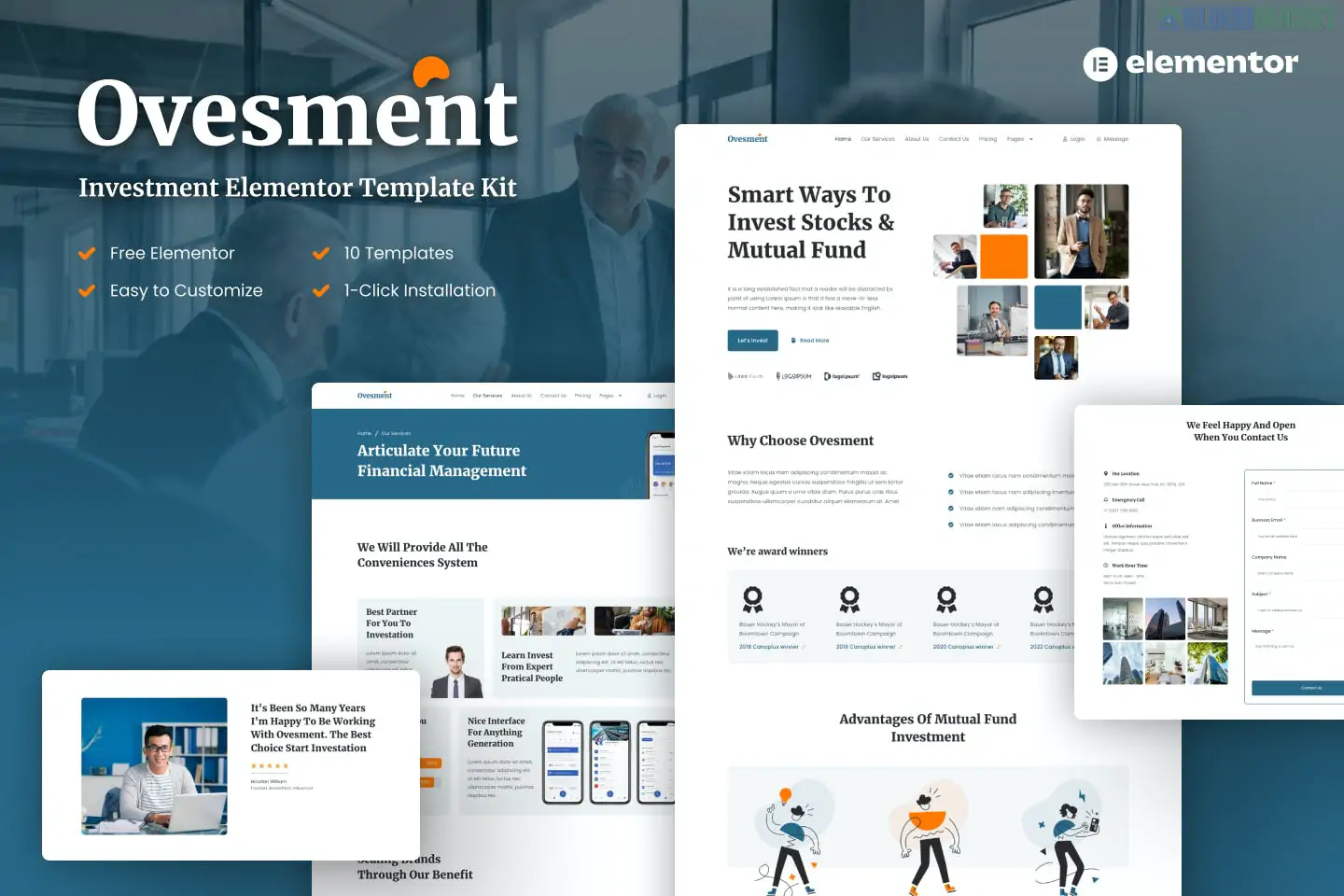
Printco is a modern Elementor Template Kit specifically built for printing companies, design agencies, and print-on-demand businesses. It is designed to handle everything from business cards and flyers to large-scale billboards and banner services.
Unlike some kits that require Elementor Pro, Printco is often built using free extensions, making it an affordable choice for startups and small shops.
The kit provides a comprehensive set of 12+ pre-designed templates with a professional, "industrial-clean" look:
02 Homepage Variations: Choose between different styles to highlight your main services.
Services & Service Details: Specialized layouts for printing types (e.g., Offset, Digital, Large Format).
Projects/Portfolio: Showcase previous work like custom banners or business card designs.
Standard Business Pages: About Us, Team, FAQ, and Contact.
Headers & Footers: Pre-styled site parts that remain consistent across all pages.
To get the exact look of the demo, you will need to install these free plugins from the WordPress repository before importing the kit:
Elementor (Free): The core builder.
ElementsKit Lite: Provides advanced widgets like carousels and tabs.
MetForm: Used for the "Get a Quote" and order inquiry forms.
Elementor Header & Footer Builder: Allows you to create custom site parts without needing Elementor Pro.
Printco is optimized for the Hello Elementor theme. Follow these steps for the smoothest setup:
Install Hello Elementor: Navigate to Appearance > Themes and activate the free Hello Elementor theme.
Helper Plugin: Install the "Envato Elements" plugin.
Upload Kit: Go to Elements > Installed Kits and upload the printco.zip file.
Install Requirements: Click the orange "Install Requirements" button to ensure all helper plugins are active.
Global Styles First: Click Import on the "Global Kit Styles." This ensures your fonts and colors are set correctly.
Import Pages: Import your Homepage, Services, and Contact pages one by one.
Printco uses MetForm for its inquiry forms. After importing the page:
Edit the page with Elementor.
Locate the Form widget and click "Edit Form."
Choose the MetForm template that was imported with the kit to populate the fields instantly.
It is particularly strong for businesses that need to display Pricing Tiers or Project Galleries. The design uses bold typography and high-contrast colors, which mirrors the look of a modern professional print shop.
Would you like me to help you find a live demo of Printco, or would you like to compare it with "Printism," which is another popular choice for this industry?
Subscribe to access unlimited downloads of themes, videos, graphics, plugins, and more premium assets for your creative needs.
.jpg) Help Us to Buy More New Theme/Plugin
Help Us to Buy More New Theme/Plugin
Published:
Jan 06, 2026 17:21 PM
Category:
Author:
OtherLicense:
GPL v2 or Later