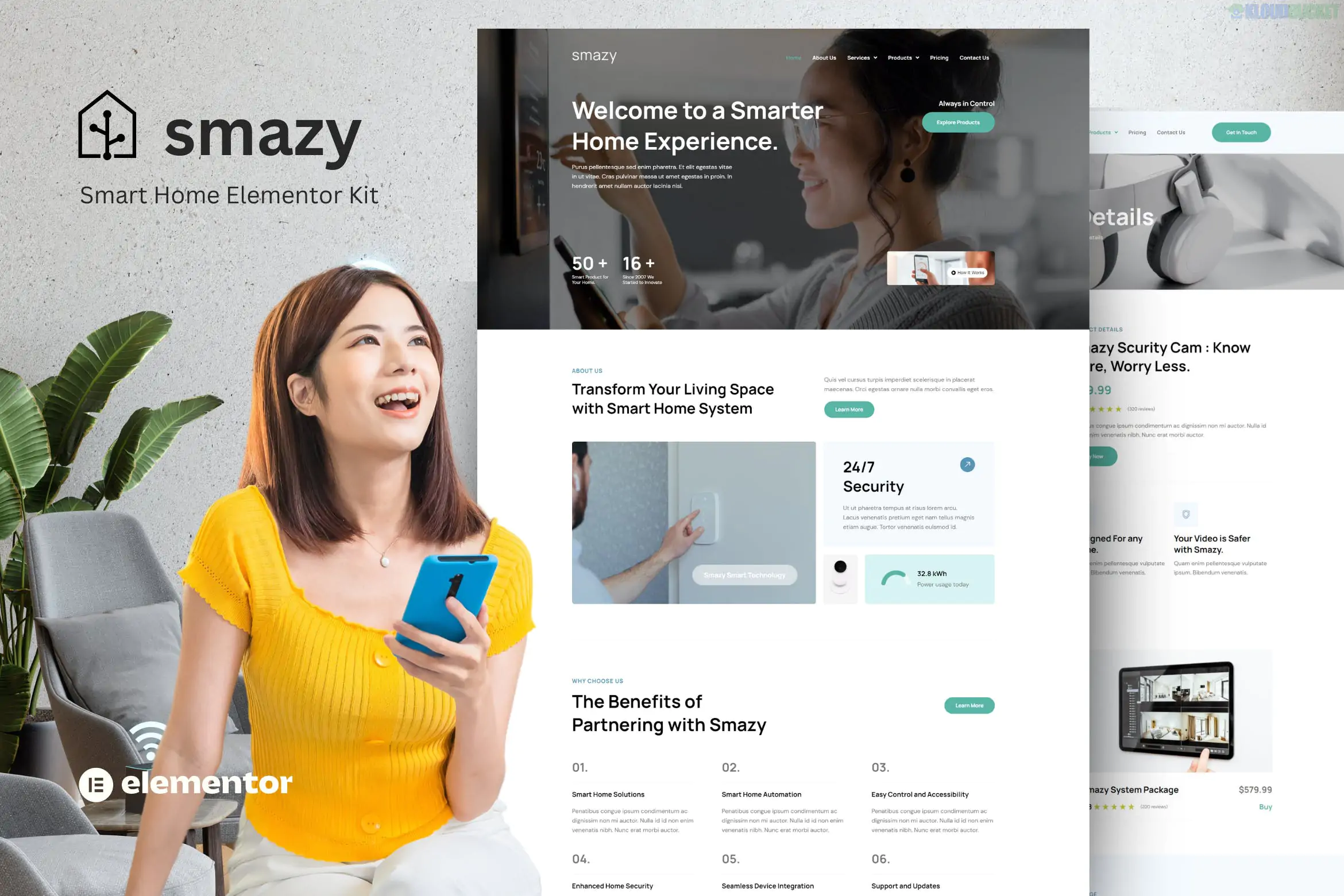
The Smazy - Smart Home System Elementor Template Kit is a sleek, technology-focused design package for WordPress.1 It is specifically built for companies that install home automation systems, IoT devices, smart lighting, and residential security solutions.2
Unlike a theme, this is a collection of pre-designed layouts that you import into the Elementor page builder to create a cohesive, professional-looking website quickly.3
Modern High-Tech Design: Uses a clean, blue-and-white (or dark-mode-ready) professional color palette that emphasizes innovation and reliability.
No Elementor Pro Required: Most versions of this kit are designed to work with the Free version of Elementor, using free third-party add-ons to provide advanced functionality.
Fully Responsive: Every page is optimized for mobile devices, which is critical since many smart home customers will browse from their tablets or phones.4
Global Theme Styles: Allows you to change the entire site's branding (fonts, primary colors, and button styles) in one place.5
Smazy provides a complete set of pages to run a smart home business:6
Homepages: Usually 2 distinct homepage variations (one for residential focus, one for general automation).
Service Pages: Detailed layouts to showcase specific services like "Smart Lighting," "Home Theater," or "Security Monitoring."
Project Portfolio: A grid layout to show off your successful installations and "Connected Home" case studies.
Inner Pages: About Us, Pricing Plans, FAQ, Our Team, and 404 Error page.7
Blog System: Blog Archive and Single Post templates for industry news and smart home tips.8
Forms & Headers: Custom Header, Footer, and Contact Form templates.9
To make the Smazy kit look like the official demo, you will need to install these free plugins:
Elementor: The core drag-and-drop builder.10
ElementsKit Lite: Used for building the custom header and footer.11
MetForm: Handles the contact and service inquiry forms.
RTMKit (or similar add-ons): Often used to provide the specific "Smart Home" icon widgets and specialized sliders.
Theme: It is highly recommended to use the Hello Elementor theme as your base.12
Import Tool: Use the Envato Elements plugin to upload the .zip file.13
Import Order: * Click "Install Requirements" to get all needed plugins.14
Import "Global Kit Styles" first.
Import individual pages (Home, About, etc.) one by one.15
Images: The photos in the demo are typically for preview purposes. You should replace them with high-resolution photos of your actual hardware and installations.
Would you like me to help you find a set of high-quality "Smart Home" icons to add to your service descriptions?
Subscribe to access unlimited downloads of themes, videos, graphics, plugins, and more premium assets for your creative needs.
.jpg) Help Us to Buy More New Theme/Plugin
Help Us to Buy More New Theme/Plugin
Published:
Dec 29, 2025 17:06 PM
Category:
Author:
OtherLicense:
GPL v2 or Later