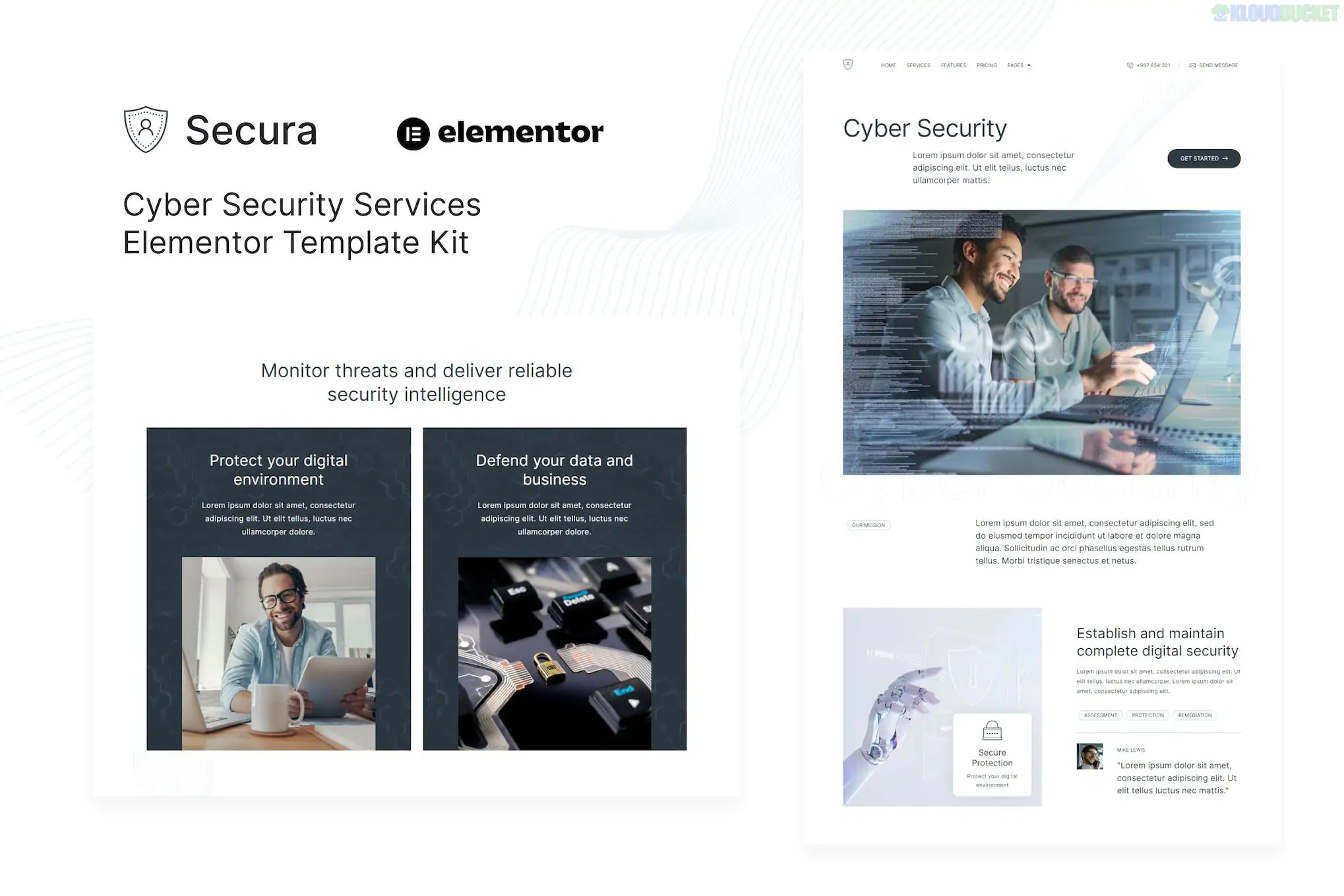
Secura is a sleek and high-performance Elementor Template Kit designed for cybersecurity companies, data protection agencies, and IT security consultants. It uses a modern, high-tech aesthetic—often featuring dark modes and futuristic accents—to convey a sense of trust and technological sophistication.
Like many modern kits, Secura is built for Elementor Free, so you do not need a paid Pro subscription to use it.
10+ Pre-designed Templates: A full suite of layouts to build a professional security agency site in minutes.
No Code Customization: Fully drag-and-drop. You can change everything from the stroke of an icon to the global color palette without CSS.
Modern & Responsive: The layout is 100% "mobile-first," ensuring that IT professionals can browse your services on any device.
Optimized for Speed: Built with clean containers to ensure your site passes Google Core Web Vitals with high scores.
Global Theme Styles: Adjust your brand colors and typography in one central location to update the entire site instantly.
Homepage: High-impact hero section with service highlights and trust badges.
About Us: Layouts to introduce your security experts and mission.
Services: Grid layouts for penetration testing, firewall setup, and cloud security.
Service Detail: Deep-dive pages for specific cybersecurity offerings.
Pricing: Clear tables for tiered security monitoring or consulting packages.
Team: Profiles for ethical hackers and security researchers.
FAQ: Accordion-style sections to answer client concerns about data safety.
Contact: Integrated forms for emergency breach reporting or inquiries.
To get the exact look of the Secura demo, you need these free plugins:
Elementor (Free Version)
ElementsKit Lite: Used for building the global header, footer, and off-canvas menus.
MetForm: Powering the contact and appointment forms.
Jeg Elementor Kit: Often used for advanced layout widgets (depending on the specific version).
Hello Elementor Theme: The recommended lightweight theme for maximum performance.
Preparation: Install and activate the Hello Elementor theme.
Import Tool: Install the Envato Elements plugin (Free) from the WordPress repository.
Upload: Go to Elements > Installed Kits, upload your Secura zip file, and click "Install Requirements."
Global Styles First: Crucial Step—Import the "Global Kit Styles" first. This ensures your fonts and colors are set before you import the page content.
Page Import: Create a new page, click "Edit with Elementor," and use the Envato icon to import the specific page template (e.g., Home or About).
Would you like me to help you set up the "Emergency Support" button in the header, or do you need help configuring the "MetForm" for your security inquiry page?
Subscribe to access unlimited downloads of themes, videos, graphics, plugins, and more premium assets for your creative needs.
.jpg) Help Us to Buy More New Theme/Plugin
Help Us to Buy More New Theme/Plugin
Published:
Jan 18, 2026 14:03 PM
Category:
Author:
OtherLicense:
GPL v2 or Later