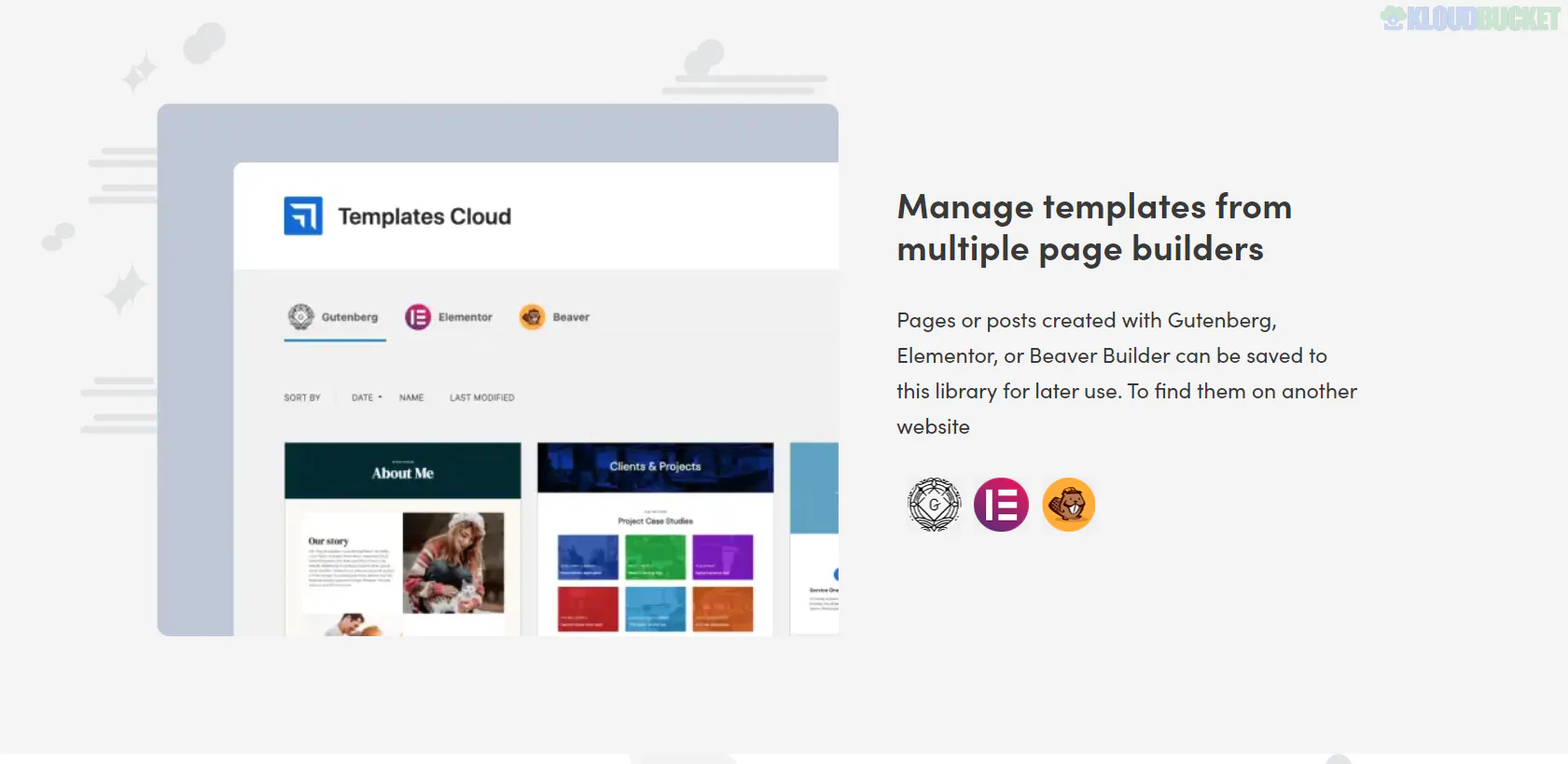
The Templates Cloud is a premium feature from Themeisle, primarily associated with the Neve Theme (Agency Plan). Unlike standard "Starter Sites" that you download once, this is a cloud-based personal library that allows you to save, sync, and reuse your own custom designs across multiple websites.
It is particularly powerful for freelancers and agencies who want to build a "signature style" or a library of pre-configured sections to speed up client work.
The system functions like a private "Design Dropbox" for your WordPress layouts:
Save to Cloud: You design a page or a section (using Gutenberg/Otter Blocks or Elementor).
Sync: Click the "Cloud" icon in the editor to upload that layout to your Themeisle account.
Deploy: Log into a completely different website (with your Neve license active), open the Cloud Library, and import that exact design instantly.
Cross-Platform Sync: Design once on a staging site and move it to a live site without exporting/importing JSON files.
Automatic Syncing: You can enable "Auto-Sync" so that any changes you make to the template on one site are automatically updated in the cloud version.
Access Keys: You can create "Access Keys" for specific collections. This allows you to share your design patterns with clients or team members without giving them your full account access.
Page Builder Agnostic: It works seamlessly with both the WordPress Block Editor (Gutenberg) via the Otter Blocks plugin and Elementor.
To access the Templates Cloud, you typically need the Neve Pro Agency license.
Installation: Ensure you have the Neve Pro Addon and Otter Blocks (free) installed.
Saving a Template: * In the editor, look for the Cloud icon in the top right (Gutenberg) or bottom panel (Elementor).
Click "Save to Templates Cloud."
Importing a Template:
On a new site, go to Appearance > My Library or open the "Templates Cloud" icon within the page editor.
Browse your saved layouts and click Import.
Feature
Starter Sites
Templates Cloud
Source
Provided by Themeisle designers.
Created by YOU.
Purpose
A base to start a new project.
Reusing your own proven layouts.
Access
Available in most Pro plans.
Exclusive to Agency plans.
Storage
Hosted on Themeisle servers.
Private storage linked to your account.
Would you like me to show you how to set up an "Access Key" to share your templates with a client, or do you need help troubleshooting why the Cloud icon isn't appearing in your editor?
Subscribe to access unlimited downloads of themes, videos, graphics, plugins, and more premium assets for your creative needs.
.jpg) Help Us to Buy More New Theme/Plugin
Help Us to Buy More New Theme/Plugin
Published:
Jan 17, 2026 12:22 PM
Version:
v1.1.36
Category:
Author:
OtherLicense:
GPL v2 or LaterTags: