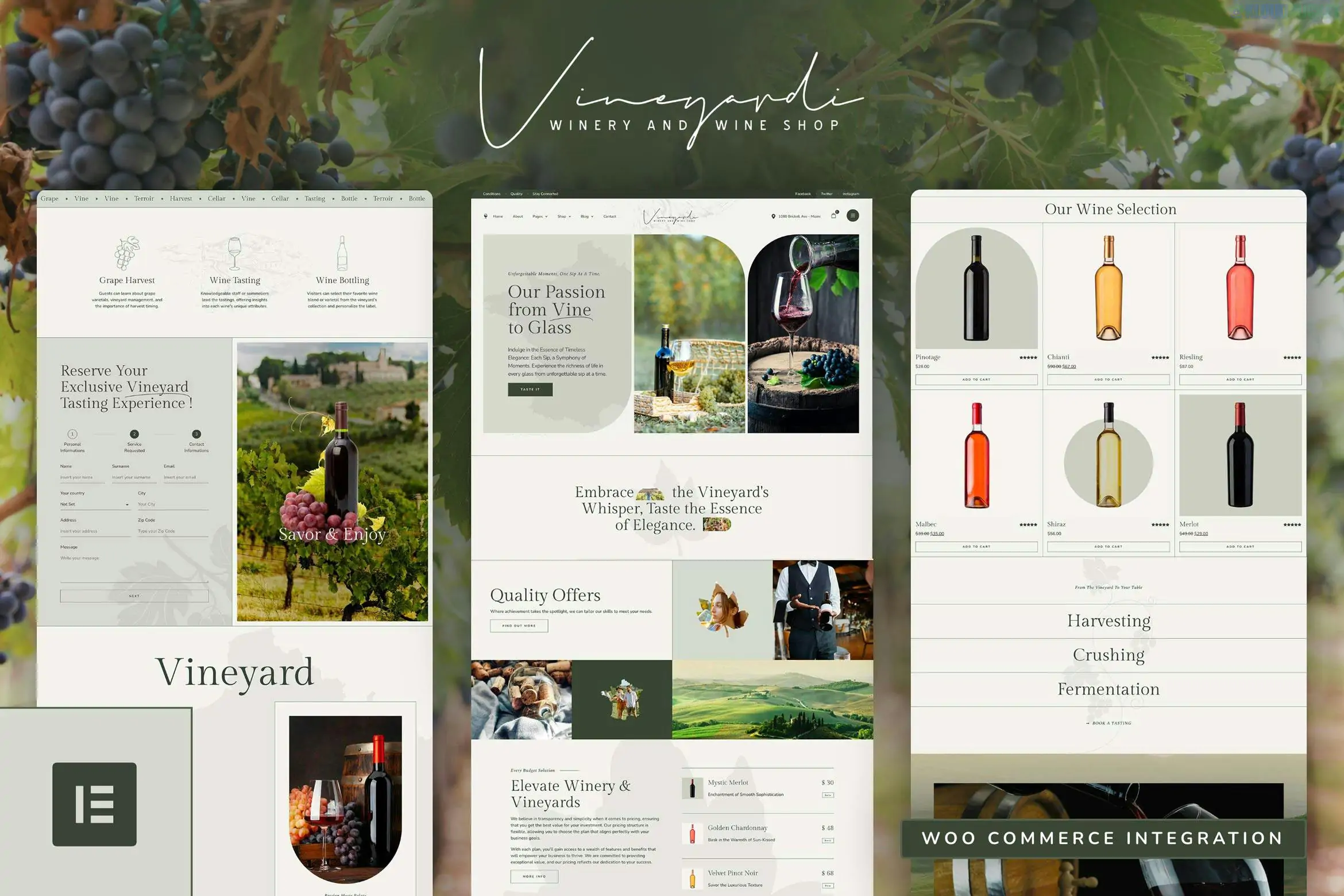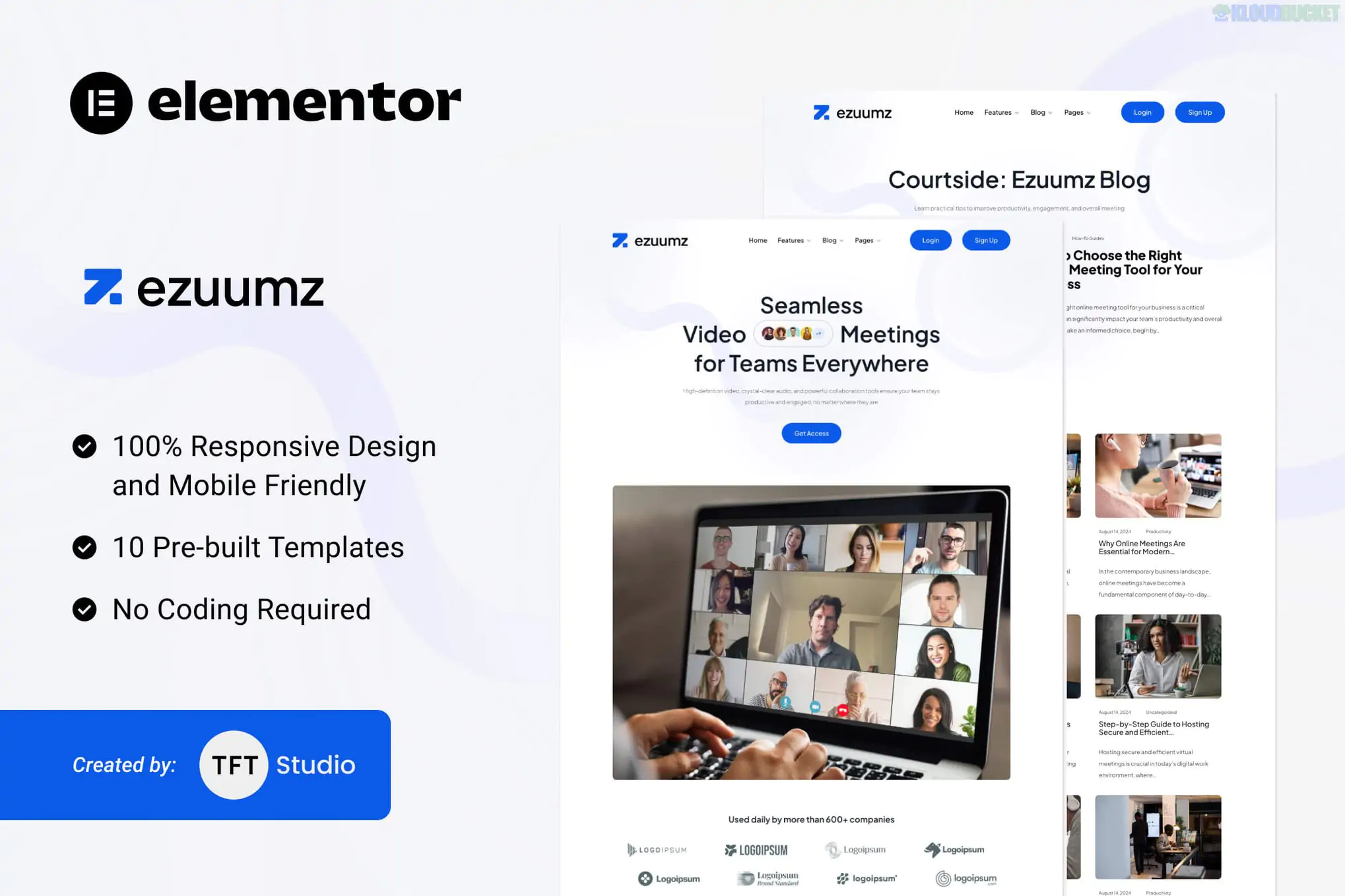
**Wiloke Hero Slider Widget for Elementor** is an award-winning, premium addon designed to replace standard, often "boring" WordPress sliders with high-impact, cinematic hero sections.
It is built for brand storytelling, allowing you to create immersive headers that combine bold visuals with interactive elements to reduce "banner blindness" and drive higher engagement.
### Key Features
* **Ready-made Templates:** Access multiple stunning banner designs with unique layouts for buttons and text.
* **Interactive CTAs:** Specifically designed to house high-conversion "Call to Action" buttons with engaging animations.
* **Media Support:** Easily integrate high-resolution images or videos as backgrounds for each slide.
* **Smart Animations:** Features exclusive CSS3 and JavaScript effects that give your hero sections a modern, "App-like" feel.
* **Global Styling:** Fully compatible with Elementor's global colors and fonts, allowing you to maintain brand consistency in seconds.
---
### Technical Snapshot
| Feature | Details |
| --- | --- |
| **Compatibility** | Fully compatible with **Elementor** and **Elementor Pro**. |
| **Platform** | WordPress 6.0+ (and older versions down to 5.7). |
| **Files Included** | PHP, JavaScript (JS), CSS, and HTML. |
| **Responsiveness** | Mobile-first design; looks great on 4K monitors and smartphones. |
| **Installation** | Upload as a standard ZIP plugin; no extra framework required. |
---
### Why Choose Wiloke Hero Slider?
> **Focus on Personality:** While many sliders focus on "features," Wiloke's design philosophy is centered on **brand personality**. The layouts use specific typography and spacing to make your core message the hero of the page.
> **Conversion Optimized:** The interactive buttons are more than just links; they are designed to be eye-catching and "clickable," which significantly helps in lowering bounce rates on landing pages.
---
### Setup and Configuration
Setting up the Wiloke Hero Slider is straightforward within the Elementor editor:
1. **Add Widget:** Search for "Hero Slider" in the Elementor panel and drag it to your top section.
2. **Slide Content:** Under the *Content* tab, add items. For each slide, upload your background image/video and add your Heading and Description.
3. **Navigation:** Toggle navigation dots or arrows on/off and set the autoplay speed (e.g., **3000ms**).
4. **Style:** Use the *Style* tab to adjust the **Overlay Opacity**, **Title Typography**, and **Button Hover Effects**.
**Would you like me to find a specific tutorial on how to set up "Video Backgrounds" for this slider, or are you looking for a free alternative like the *Slider Hero* plugin?**
Subscribe to access unlimited downloads of themes, videos, graphics, plugins, and more premium assets for your creative needs.
.jpg) Help Us to Buy More New Theme/Plugin
Help Us to Buy More New Theme/Plugin
Published:
Jan 29, 2026 11:25 AM
Category:
Author:
OtherLicense:
GPL v2 or LaterTags: