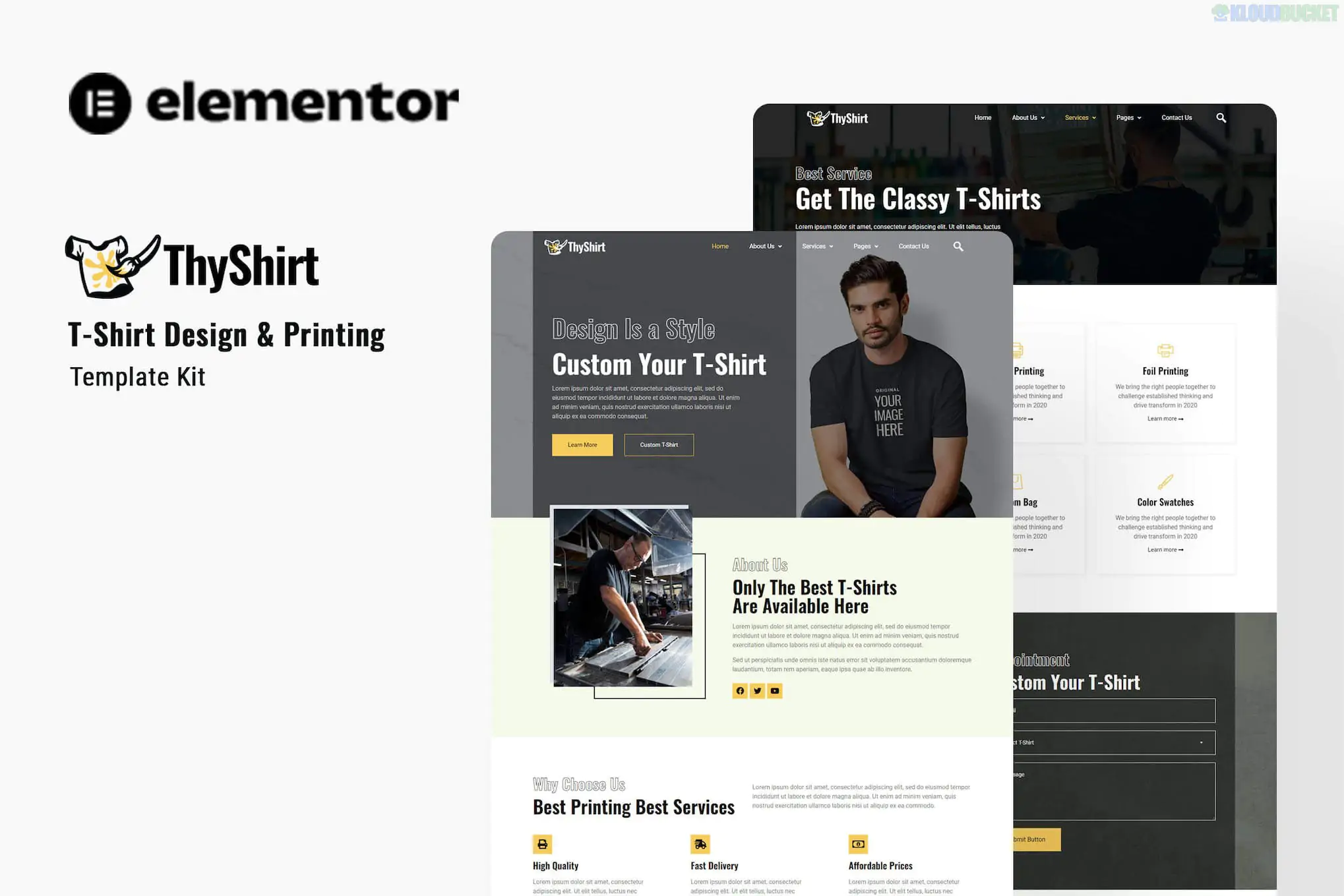
Thyshirt, developed by Kitpro (and often associated with the Rometheme/Kitpro ecosystem), is a vibrant and professional Elementor Template Kit designed for T-shirt design studios, custom printing businesses, and apparel brands.
It focuses on high visual density and a "commercial" feel, perfect for businesses that need to showcase various printing techniques (Screen Printing, DTG, Sublimation) and product catalogs.
The kit includes 15+ pre-designed templates covering all the vital sections of a print shop:
Interactive Homepage: A conversion-focused layout with a strong hero section, service summaries, and customer reviews.
Services & Printing Types: Dedicated pages to explain technical details like Direct-to-Garment (DTG) vs. Screen Printing.
Product Catalog: Clean layouts to showcase blank apparel (T-shirts, hoodies, caps) available for customization.
Pricing Plans: Clear grids to display bulk order discounts or design package costs.
MetForm Integration: Professional-grade "Request a Quote" or "Custom Design" forms that capture specific client requirements.
Thyshirt is a Template Kit, not a standalone theme. It is optimized for the Hello Elementor theme and requires a few free plugins to function correctly.
Component
Requirement
Base Theme
Hello Elementor (Free) is highly recommended.
Primary Builder
Elementor (Free).
Form Builder
MetForm (Free) – Used for all contact and quote forms.
Header/Footer
Elementor Header & Footer Builder (Free).
Additional Tools
Jeg Elementor Kit or ElementsKit Lite (used for advanced widgets).
Import Tool
Envato Elements plugin or Template Kit Import.
Thyshirt is designed to move customers through a logical "Order Funnel":
Selection: Clients browse the "Products" page to choose their garment.
Process Education: They visit the "Printing Services" page to understand which method fits their budget.
Inquiry: They use the MetForm on the "Contact" or "Quote" page to upload their artwork and specify quantities.
Because Thyshirt uses several specialized widgets, the import process requires attention to detail:
Step 1: Setup Environment: Install and activate Hello Elementor, Elementor, MetForm, and the Envato Elements plugin.
Step 2: Upload Kit: In WordPress, go to Elements > Installed Kits and upload your Thyshirt ZIP file.
Step 3: Install Requirements: Click the orange "Install Requirements" button to ensure all necessary plugin settings are configured.
Step 4: Global Styles: Import the Global Kit Styles first. This ensures your fonts, colors, and button styles are consistent across the site.
Step 5: Import MetForms: You must import the MetForm block templates separately. Once imported, you'll need to select them within the MetForm widget on your pages to make the forms visible.
Pro Tip: If you want to offer a live "Online Designer" where customers can upload logos onto shirts in real-time, you may want to pair this kit with a dedicated plugin like Lumise or WooCommerce Custom Product Designer, as the kit provides the layout but not the actual design tool.
Would you like me to help you find a "T-shirt Designer" plugin that integrates well with this layout, or are you looking for a similar kit that includes WooCommerce shop templates?
Subscribe to access unlimited downloads of themes, videos, graphics, plugins, and more premium assets for your creative needs.
.jpg) Help Us to Buy More New Theme/Plugin
Help Us to Buy More New Theme/Plugin
Published:
Jan 29, 2026 10:19 AM
Category:
Author:
All In One PluginLicense:
GPL v2 or Later