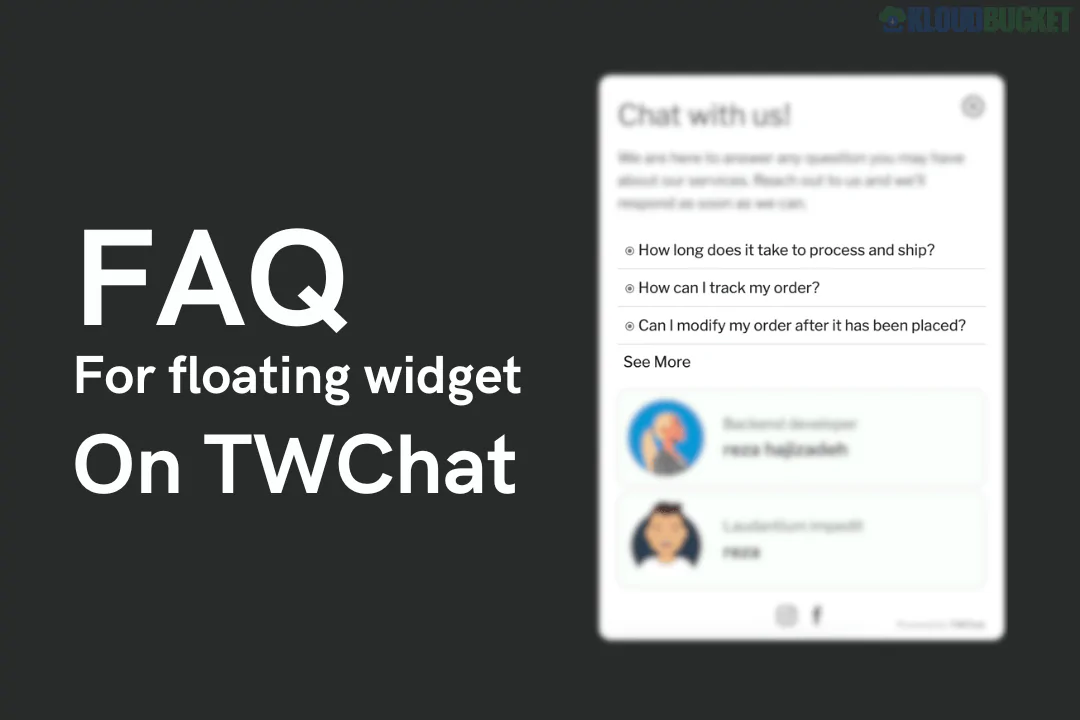
TWChat Floating Widget FAQ Add-on Premium is a powerful extension for WordPress designed to transform your standard chat widget into a comprehensive support hub. By embedding a dedicated FAQ section directly into the floating chat interface, it allows users to find answers to common questions instantly without waiting for a live agent.
As of early 2026, this add-on has become essential for small to mid-sized businesses looking to scale their support operations by automating repetitive inquiries.
In-Widget FAQ Section: Adds a searchable "Knowledge Base" tab within the floating widget, allowing users to browse categories and common questions.
Rich Media Support: Premium users can embed images, GIFs, and clickable URLs within FAQ answers, making instructions much clearer than plain text.
Advanced Trigger Logic: Set the FAQ to pop up automatically based on user behavior, such as spending a certain amount of time on a page or clicking a specific element.
Search Functionality: A high-speed search bar within the widget helps users find specific keywords across all FAQ categories.
Custom Branding: Full control over colors, icons, and typography to ensure the FAQ widget matches your site's aesthetic.
Category Management: Organize questions into logical groups (e.g., Shipping, Technical Support, Returns) for easier navigation.
Feature
Details
Type
WordPress Plugin Add-on
Requirements
TWChat Core Plugin (Active)
Latest Update
Late 2025 (v1.4+)
Compatibility
WordPress 6.5 - 6.9.x
Page Builders
Elementor, Gutenberg, and WPBakery compatible
Mobile Ready
100% Responsive with "Touch-Friendly" accordions
While the free versions of most chat widgets provide basic communication, the Premium FAQ Add-on focuses on Support Efficiency.
Pros:
Reduced Support Load: Deflects up to 40% of common tickets by providing immediate answers.
24/7 Availability: Your FAQ is "always on," providing value even when your live agents are offline.
Enhanced SEO: Some versions of this add-on are "Schema-ready," helping your FAQ content appear in Google search snippets.
Cons:
Initial Setup Time: Requires manual entry of your FAQ database to be effective.
Potential Bloat: Adding too many high-resolution images to the widget can slightly impact mobile loading speeds if not optimized.
SaaS Platforms: Ideal for explaining technical features or subscription tiers.
E-commerce: Perfect for tracking orders, explaining return policies, and sizing guides.
Service Agencies: Use it to list pricing, service areas, and project timelines.
Implementation Tip: Keep your FAQ answers concise. If an answer requires more than two paragraphs, use the Premium Link feature to direct the user to a full blog post or documentation page.
Would you like me to help you compare TWChat with other all-in-one support tools like Bit Assist or tawk.to, or do you need the specific shortcodes to display FAQs on a standard page instead of the widget?
How To Add A Chat Widget On Your Website
This video provides a practical walkthrough on how to implement and customize a floating chat widget on your website to improve user engagement and support.
Subscribe to access unlimited downloads of themes, videos, graphics, plugins, and more premium assets for your creative needs.
.jpg) Help Us to Buy More New Theme/Plugin
Help Us to Buy More New Theme/Plugin
Published:
Jan 05, 2026 18:30 PM
Version:
v1.0.0
Category:
Author:
All In One PluginLicense:
GPL v2 or LaterTags: