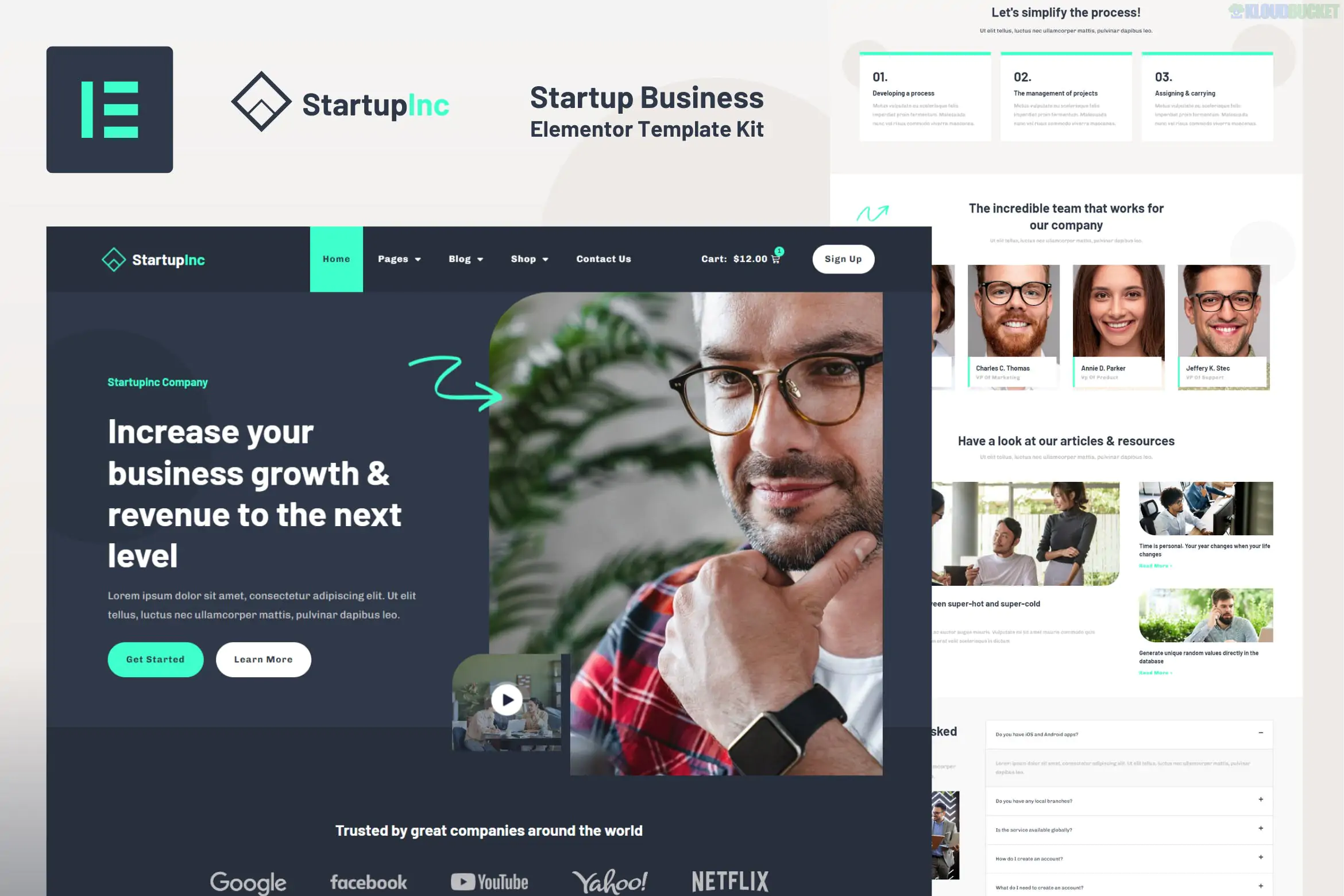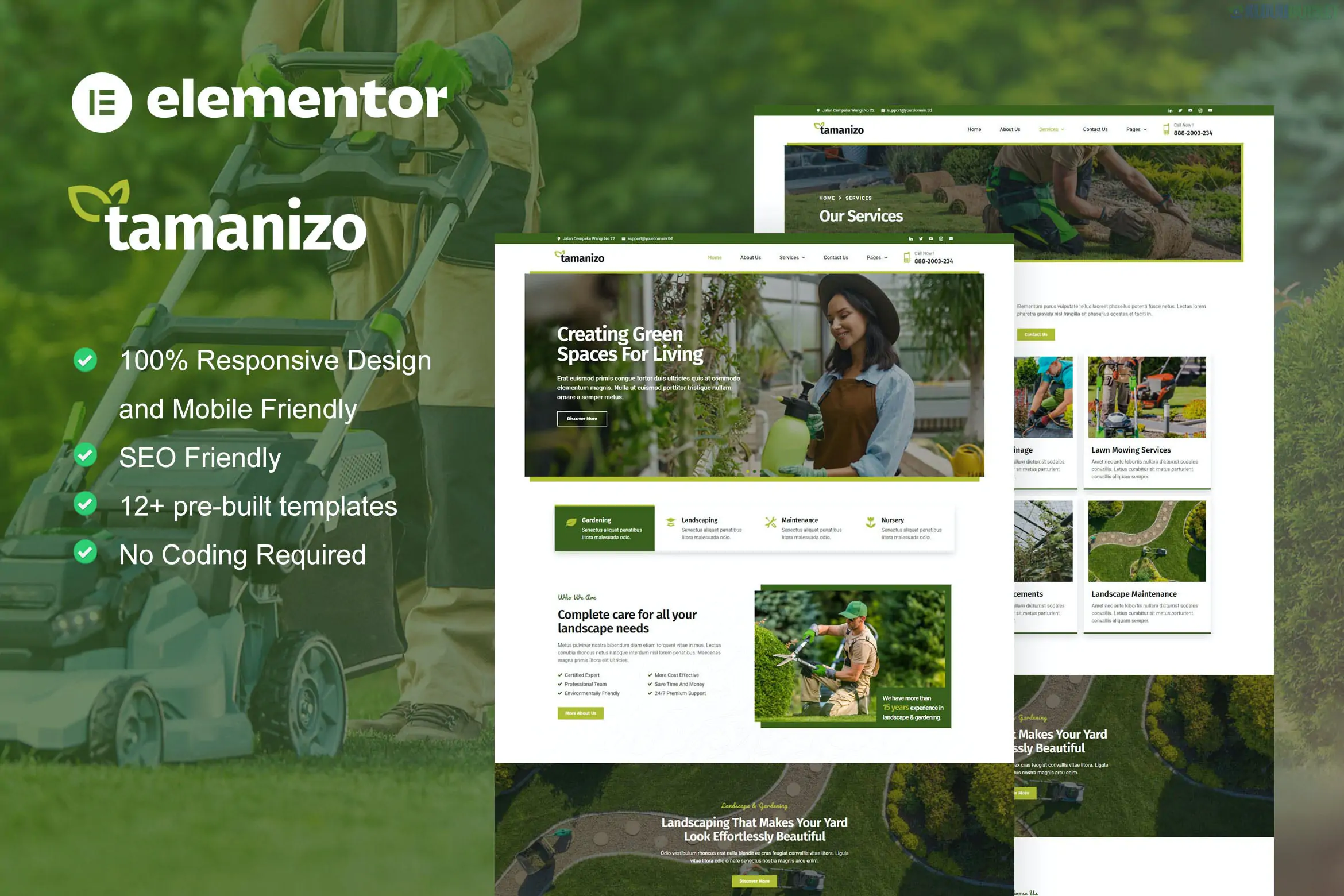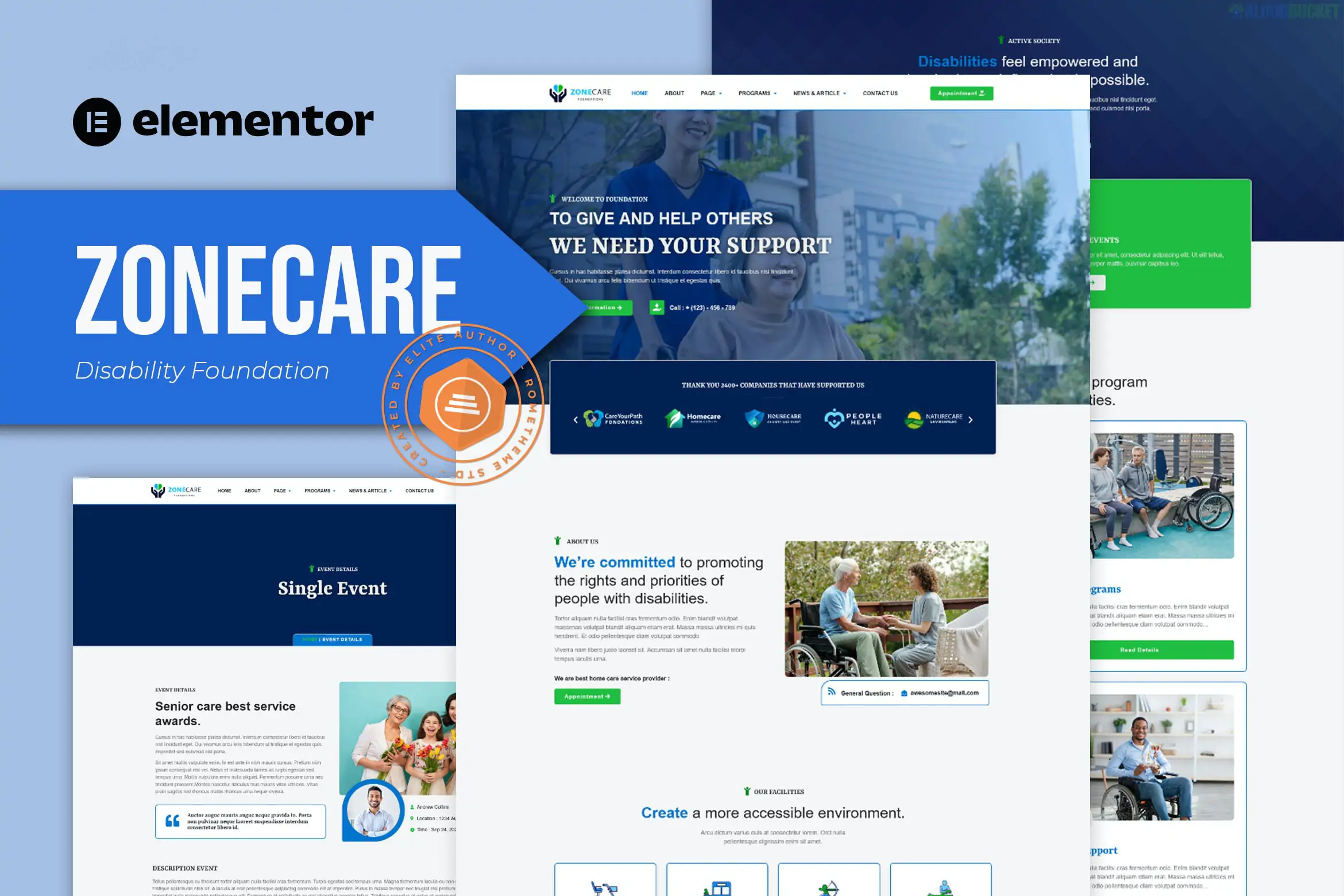
The Varspace - Coworking Space Elementor Template Kit is a modern, light, and versatile design kit created by askproject. It is specifically designed for shared offices, creative hubs, meeting room rentals, and startup incubators.
One of its biggest advantages is that it is "Free-Friendly," meaning it is built to work without needing a paid Elementor Pro license (though it is fully compatible if you already have it).
Total Templates: Includes 14 ready-to-use pages and 19 total templates (including section blocks).
Design Style: Clean, minimalist, and high-energy. It uses a professional color palette with plenty of white space to showcase office photography.
Fully Responsive: Tested across Chrome, Firefox, Safari, and mobile browsers.
One-Click Style: Easily update global colors and fonts through the Elementor Site Settings.
Varspace provides everything a physical space needs to market itself online:
Home Page: High-impact hero section with clear "Book a Tour" CTAs.
Workspace / Amenities: Detailed layouts to show off desks, private offices, and conference rooms.
Pricing & Membership: Professional tables for daily, weekly, or monthly plans.
Events: A layout to promote workshops or community networking nights.
About & Team: Pages to introduce the community managers and the mission.
Contact & FAQ: Standard essential pages for inquiries and location maps.
Since this kit doesn't require Elementor Pro, it uses a few free "helper" plugins to handle features like headers, footers, and forms:
Elementor (Free): The core builder.
ElementsKit Lite: Essential for building the Header, Footer, and any Megamenus.
Gum Elementor Addon: Provides the unique styling widgets and creative blocks seen in the demo.
WPForms Lite: Handles the booking and contact forms.
Because this kit uses ElementsKit Lite instead of the Elementor Pro Theme Builder, setting up the header is slightly different:
Go to ElementsKit > Header Footer in your WordPress dashboard.
Click Add New, name it "Main Header," and set the type to Header.
Set the condition to Entire Site and toggle Activate to ON.
Click Edit Content, then click the gray folder icon to import the Header Template from your Saved Templates.
Would you like me to help you find a list of royalty-free "coworking" images to replace the placeholder demo images in this kit?
Subscribe to access unlimited downloads of themes, videos, graphics, plugins, and more premium assets for your creative needs.
.jpg) Help Us to Buy More New Theme/Plugin
Help Us to Buy More New Theme/Plugin
Published:
Jan 11, 2026 10:20 AM
Category:
Author:
OtherLicense:
GPL v2 or Later