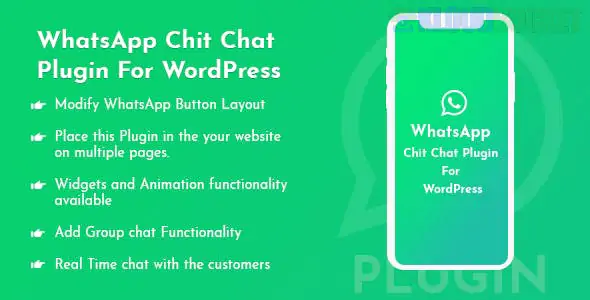
The term "WhatsApp Chit Chat Plugin For WordPress" is a general or slightly whimsical name for a plugin that adds a WhatsApp Click-to-Chat button or widget to a website.
These plugins are incredibly popular because they allow visitors to start a conversation with you instantly on the familiar WhatsApp platform, which is great for customer support and sales.
There are many plugins that perform this function, ranging from simple free buttons to comprehensive pro versions with multi-agent support and scheduling.
Here are some of the most popular and highly-rated options:
Plugin Name
Key Focus
Best For
Notable Features (Often Pro)
Click to Chat (by HoliThemes)
Pure, lightweight WhatsApp integration.
Users who need a fast, simple, and reliable WhatsApp button.
Multi-Agent support, Form collection before chat, Google Analytics tracking, WooCommerce integration.
Chaty (by Premio)
Multi-channel communication hub.
Users who want to offer WhatsApp, Messenger, Telegram, and 15+ other apps from one floating button.
Display triggers (time on page, scroll), Page targeting, Contact form integration.
Social Chat (by QuadLayers)
Focused on enhancing customer engagement.
Businesses that need multiple department/agent accounts and advanced design controls.
Multiple Agents, Custom availability scheduling, WooCommerce product page integration.
WP Chat App (by NinjaTeam)
Clean, comprehensive WhatsApp integration.
Users who need a professional floating widget with good customization and support for multiple agents.
Custom working hours/availability, Agent names/avatars, WooCommerce product button integration.
When choosing a plugin, look for these features that go beyond a basic button:
Multiple Agents/Departments: Allows visitors to select who they want to chat with (e.g., Sales, Support, Billing).
Pre-filled Messages: Automatically populates the first message in WhatsApp with a custom text (e.g., "Hello, I have a question about the product on your website.").
Availability Scheduling: Hides the button or shows an "Offline" message outside of your business hours.
GDPR Compliance: Includes an option to display a consent checkbox before the chat is initiated.
Page Targeting: The ability to include or exclude the chat button on specific pages or post types (e.g., only show on product pages).
Any of these options will deliver the "chit-chat" functionality you are looking for by using the official WhatsApp API link to initiate a conversation with your registered WhatsApp or WhatsApp Business number.
Would you like me to find the free download link for one of these plugins, like Click to Chat?
Subscribe to access unlimited downloads of themes, videos, graphics, plugins, and more premium assets for your creative needs.
.jpg) Help Us to Buy More New Theme/Plugin
Help Us to Buy More New Theme/Plugin
Published:
Dec 15, 2025 15:50 PM
Version:
v1.0.3
Category:
Author:
OtherLicense:
GPL v2 or LaterTags: